Add a new feed

Go to , then tap the
 button
Paste the feed URL into the input field
Tap the Check and Add button
If no error occurs, the feed will appear under
How to find the RSS/ATOM URL of a website
This article explains how to find the RSS or ATOM URL of a website that you can use in NewsFeed Launcher or another RSS reader application.
In many cases, the easiest thing to try first is the website’s home page URL or an article URL from that website. NewsFeed Launcher can often detect the feed automatically from these.
If you need to search manually, open pages in your web browser (Chrome, Firefox, etc.) and look for a page similar to the following examples:
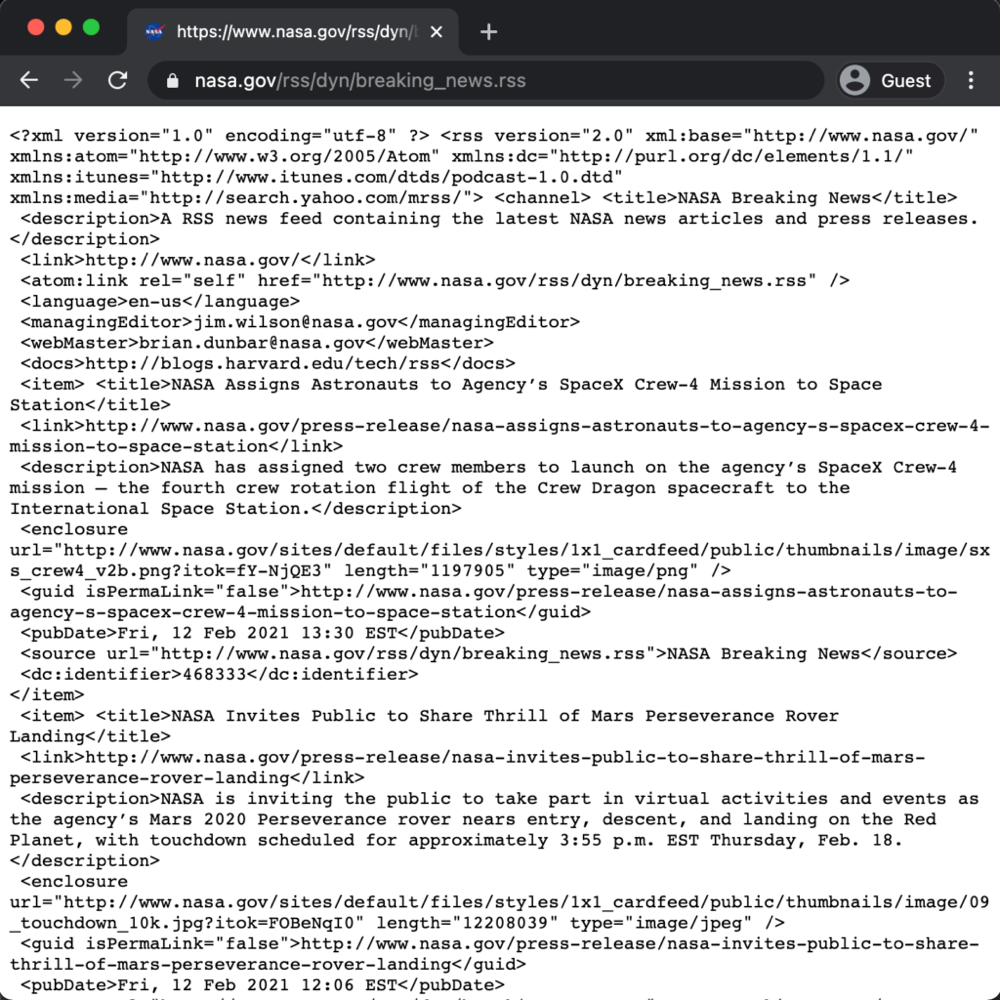 | 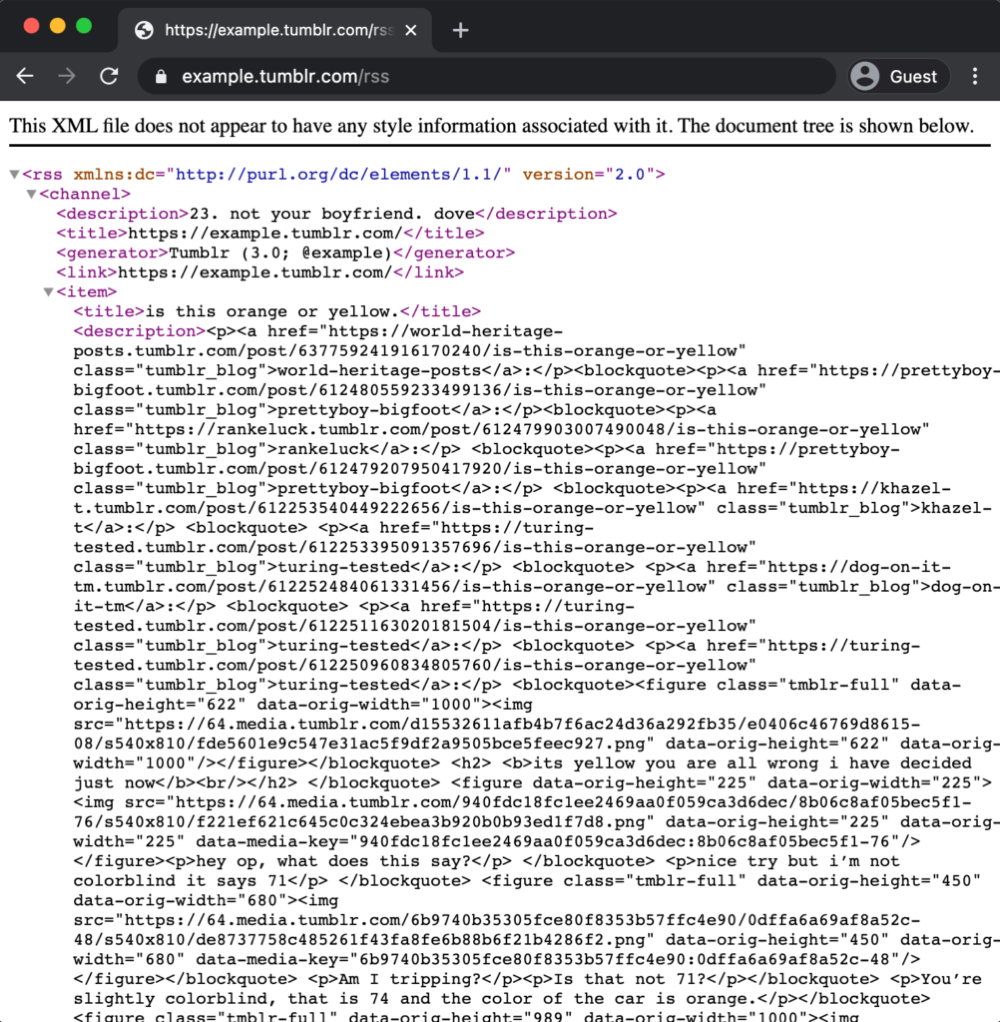 | 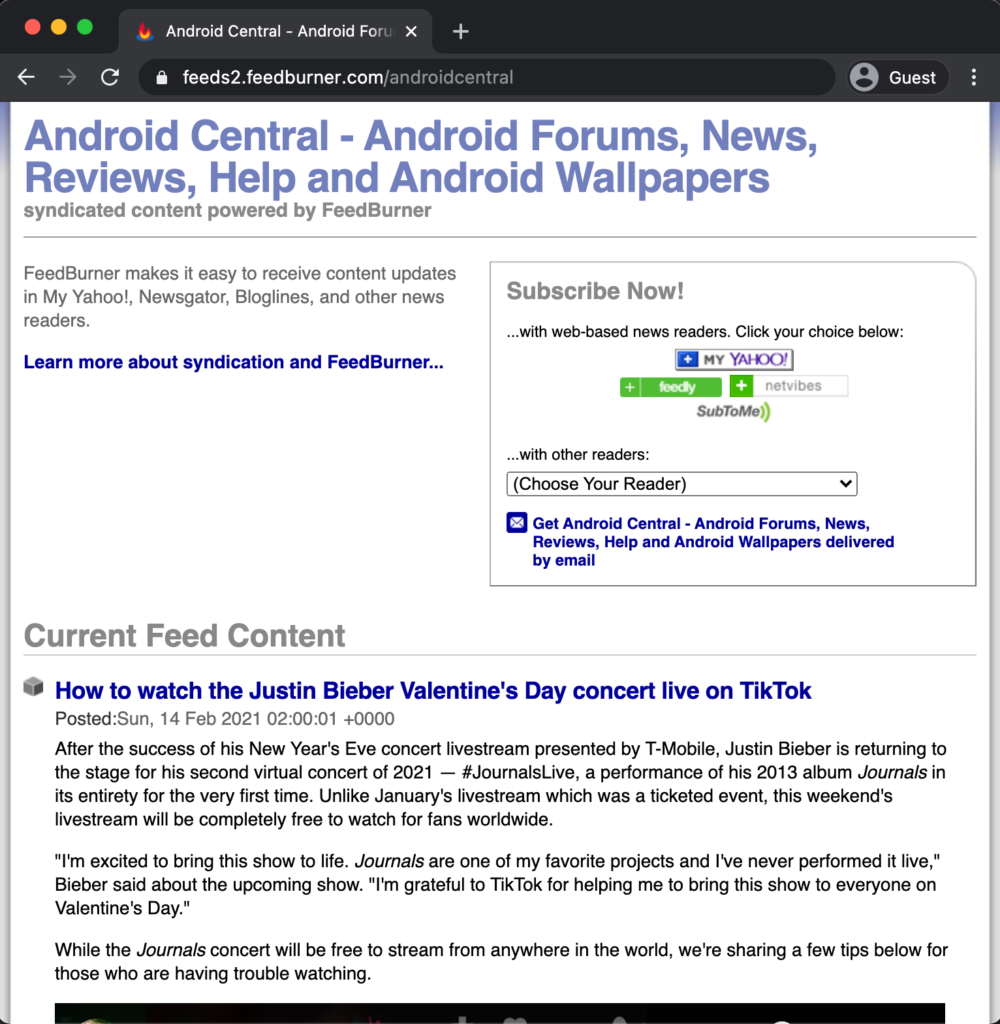 |
If a page looks like raw text, XML, or code, that is usually normal. It often means you found the feed successfully.
When you see a page similar to these, copy its URL from the address bar and paste it into NewsFeed Launcher.
There is no single method that works for every website, but the following options often help:
Look for the
 on the website, then tap on it
Sometimes it opens the RSS or ATOM feed immediately
Sometimes it opens a page where you can choose a topic, such as "World", "Business", or "Sports"
Click the topic you want, which may take you to the RSS or ATOM feed
Try some common URL paths, such as "/feed", "/rss", or "/blog/rss.xml"
Example: if you want to find the RSS URL for "xda-developers.com", try "xda-developers.com/feed" and "xda-developers.com/rss"
If one of them does not return "404 - Not Found", you may have found the RSS URL